
The '98 film date stamp on iPhone: how to get the orange retro date
The orange date in the corner of '90s photos came from film cameras that printed it onto the negative. On iPhone, Geoplate's Film Date stamp gives new photos glowing orange digits in the corner. For old photos, it uses the date they were taken.
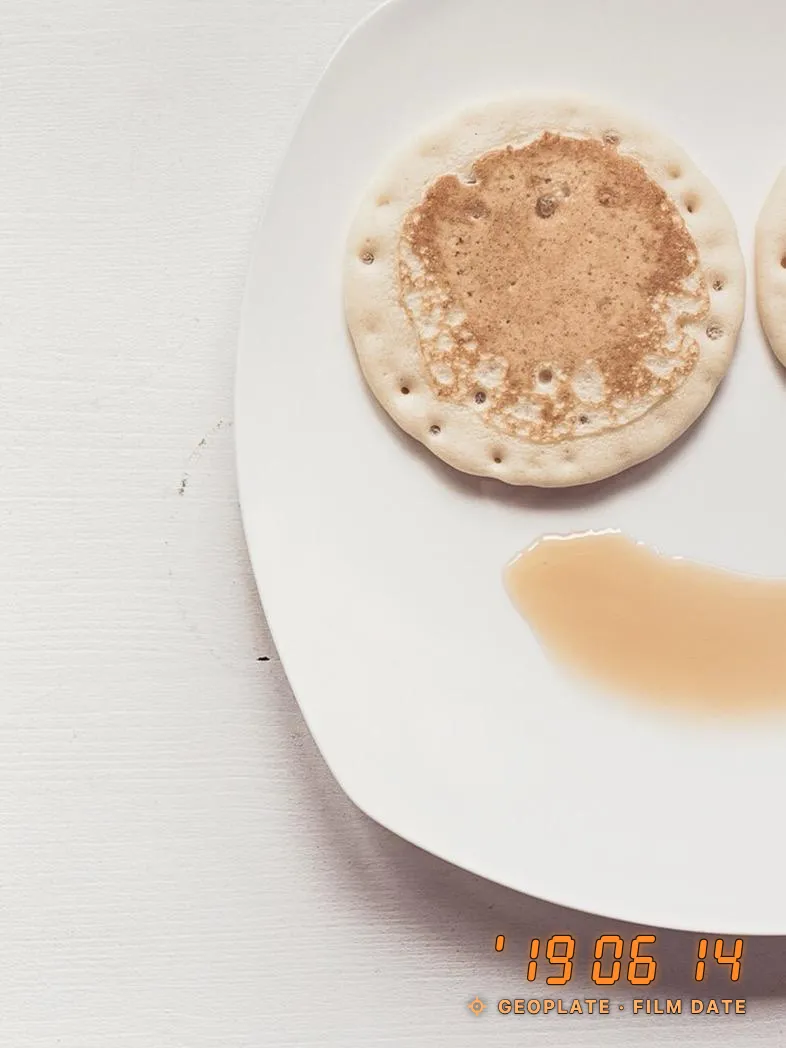
Where the orange date came from
Many compact film cameras of the '80s and '90s could print the date on each frame. A small light exposed the digits onto the film as you took the picture, and on color prints they came out orange, something like '98 6 14 in the lower right corner.
That's why the look reads as "family album" today. It says the picture is a memory, not just a file.
The five Film Date styles in Geoplate
| Style | Looks like | Date reads |
|---|---|---|
| 1 of 5 | Orange seven-segment digits with a slight slant and a soft glow, in the corner | '26 10 24 (year, month, day) |
| 2 of 5 | Red dot-matrix digits, upright | 10 24 '26 (month, day, year) |
| 3 of 5 | A narrow date running along the right edge | 2026.10.24 |
| 4 of 5 | Black film borders with sprocket holes, the date below the picture | 2026 10 24 |
| 5 of 5 | White instant-photo borders, wider at the bottom, with a handwritten-style date | 2026 10 24 |
Film Date prints the date only, with no time and no place, just like the old cameras. The digits are always numbers, so they look the same in every language. The glow and a dark edge keep the date readable on light backgrounds.
The free version adds a small Geoplate name under the digits; Geoplate Pro removes it.
How to shoot with Film Date
- Open Geoplate and open the template list. Film Date is in the Basic section, or search for "film".
- Pick one of its five styles.
- Shoot. The date is your iPhone's date at that moment.
- Star the style so it's one tap away next time.
The same stamp works on video, if you want the retro date on a clip.
Put the film date on old photos
This is where the look works best: trip and family photos from past years, each with its real date. Old photos uses the stamp you have on the camera, so pick Film Date first.
- With Film Date on the camera, tap Old photos and pick the photos.
- Swipe through the batch. Each photo shows the date it was taken, not today's.
- Tap Save all to Photos. Stamped copies go to Photos; your originals stay as they are.
Scans of paper prints are the exception: the file carries the day you scanned it. Set the real date by hand on those, if you know it.
Tips for a convincing film look
- Keep it in the lower right corner. That's where film cameras put it.
- Pick the right digits. Orange segments are the classic look; red dots feel more like a late-'90s camera.
- Frames go full frame. The film border and instant styles wrap the whole picture, so they can't be dragged around.
- Add grain elsewhere. Geoplate adds the date, not filters. For the full film feel, apply a grain or fade filter in another app first, then stamp.
Other ways to get the look
With Markup in Photos you can type the date in orange for free, but it's a plain font with no glow, typed by hand. DateStamper offers a classic digital display font in its Premium Styles ($4.99 in the US on November 8, 2026). Our comparison of timestamp camera apps covers more options, and date stamp camera shows Geoplate's other date styles.
Where to go next
Questions
What is the orange date on old photos called?
A date stamp or date imprint. Film cameras with a date feature printed it onto the film, and on color prints it came out orange.
Can I add a film date to photos I already took?
Yes. Put Film Date on the camera, then use Old photos: each picture gets the date it was taken.
Does the Film Date stamp show the time?
No, only the date, like the old cameras. For the time, use Date & Time or Big Clock.
Can I use it on scanned prints?
Yes. Scans carry the scan date, so set the date the picture was really taken by hand.
Is the Film Date stamp free?
Yes, all templates are free. The free version shows a small Geoplate name and has a limited number of saves to Photos.