
Timestamp camera for iPhone
Geoplate is a timestamp camera: it prints the date, time and time zone right onto every photo and video as you take it. The time comes from your iPhone's clock at the moment of the shot, so there is nothing to type and nothing to fix later.
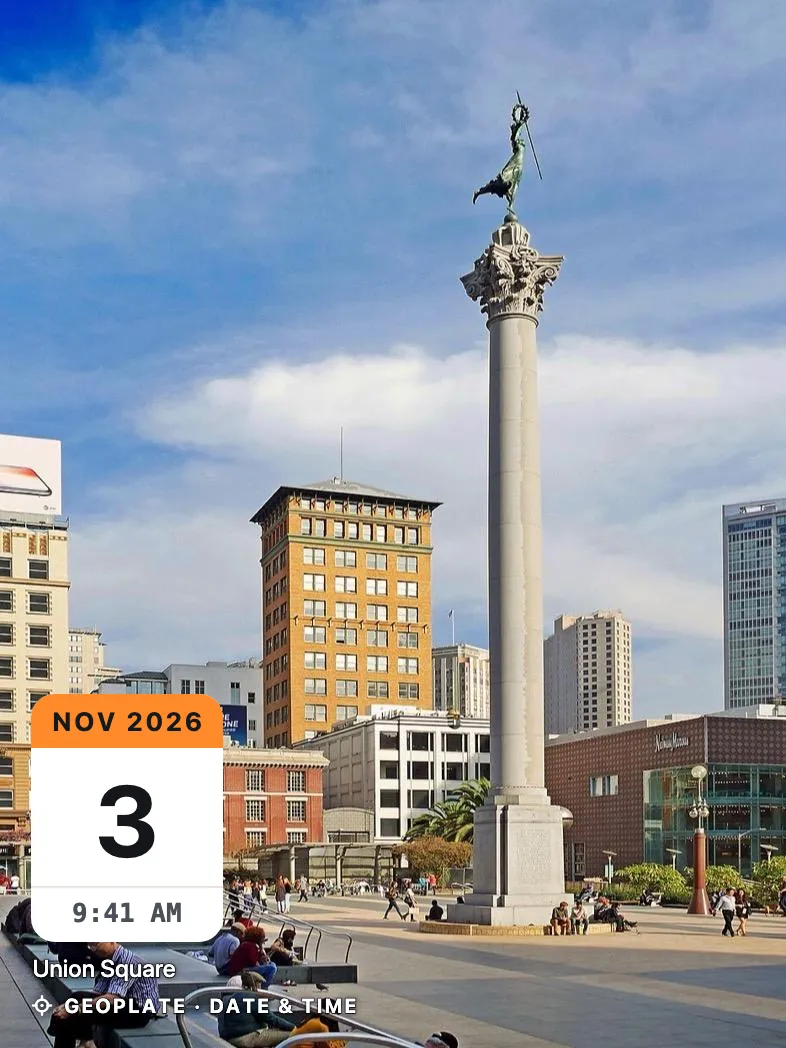
Why a timestamp on the photo itself
The iPhone camera saves the date inside the file, where nobody sees it. Send the photo through a chat app and that hidden date is often gone.
A stamp printed into the picture travels with it. Whoever opens the photo sees the date and time right away, in a message, an email or a printed report.
How it works
Open the camera
The stamp is already on the screen, live, with the running clock.
Swipe to pick a stamp
Swipe left or right on the stamp to change the template. Double-tap it to edit the fields.
Shoot
The date and time are printed into the photo. Keep it in the app or save it to Photos.
Date and time, your way
- 12 or 24-hour clock, or follow your iPhone setting
- Your date format, with or without seconds
- Time zone on the stamp, like GMT-5
- Day of the week
- Day counter: Day 12, or Day 38 of 120
- Five colors, six positions, any size
Who uses it
Questions
Does the timestamp use the real time?
Yes. In the camera the date and time come from your iPhone's clock at the moment you take the shot. The time zone is printed too.
Can I turn off some fields?
Yes. Open the stamp settings and switch off what you don't need, like seconds or the time zone. Each template keeps its own layout.
Can I change the date later?
Yes, for shots kept in the app you can set a different date, time and time zone, for example on an old photo. The stamp is redrawn with the new values.
Is there a free timestamp camera mode?
Shooting and stamping are free with all templates. The free version saves a limited number of shots to Photos and shows the Geoplate name on the stamp.