
Timestamp templates for every job
Geoplate has more than 250 stamp templates in 15 sections, from simple date stamps to clock-in cards, before-and-after labels and survey-style coordinates. Every template is free to use, and you can change its fields, color, size and position or save your own.
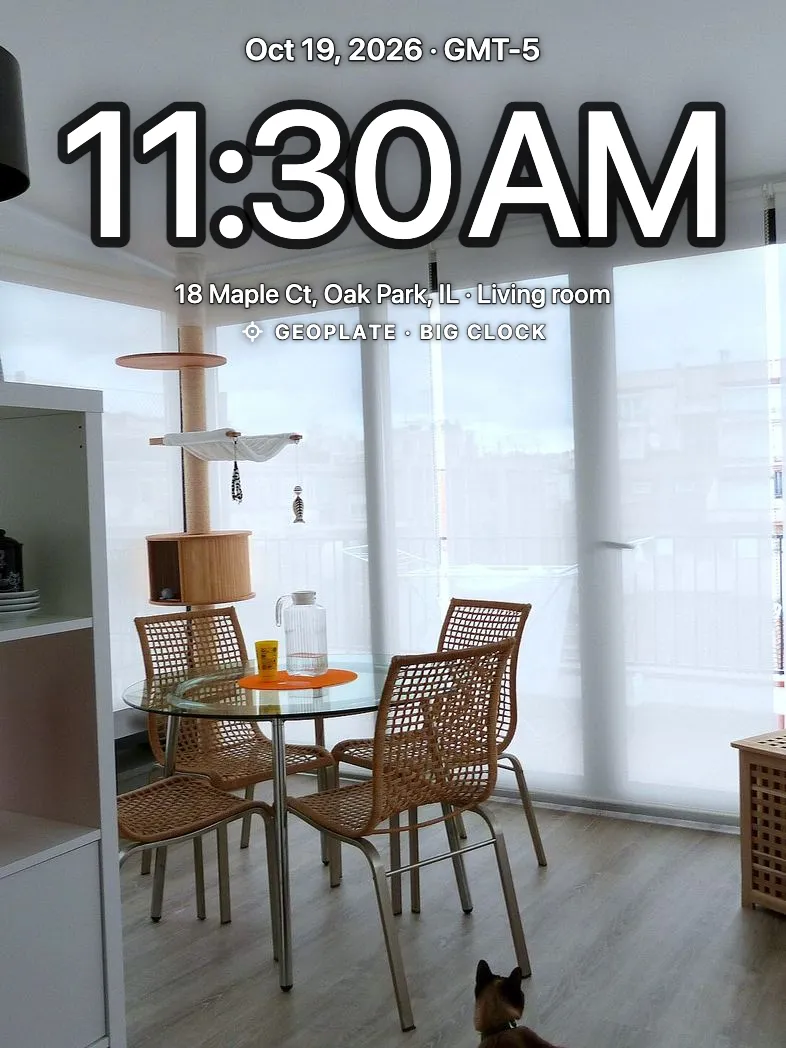
One stamp doesn't fit every job
A cleaner wants Before and After. A driver wants Delivered. A surveyor wants UTM. A traveler wants a big date like on film.
Geoplate starts you with stamps picked for what you do and keeps the rest one swipe away.
How it works
Tell the app what you do
On the first launch pick your kind of work. Geoplate sets a matching stamp as your default.
Find more
Search the templates, open a section, star the ones you like.
Make it yours
Choose the fields, color, size and position. Save it as your own template.
15 sections
- Basic
- Construction
- Attendance
- Delivery
- Cleaning
- Real Estate
- Property
- Inspection
- Repair
- Security
- Field Sales
- Damage & records
- Land & field
- Travel
- Personal
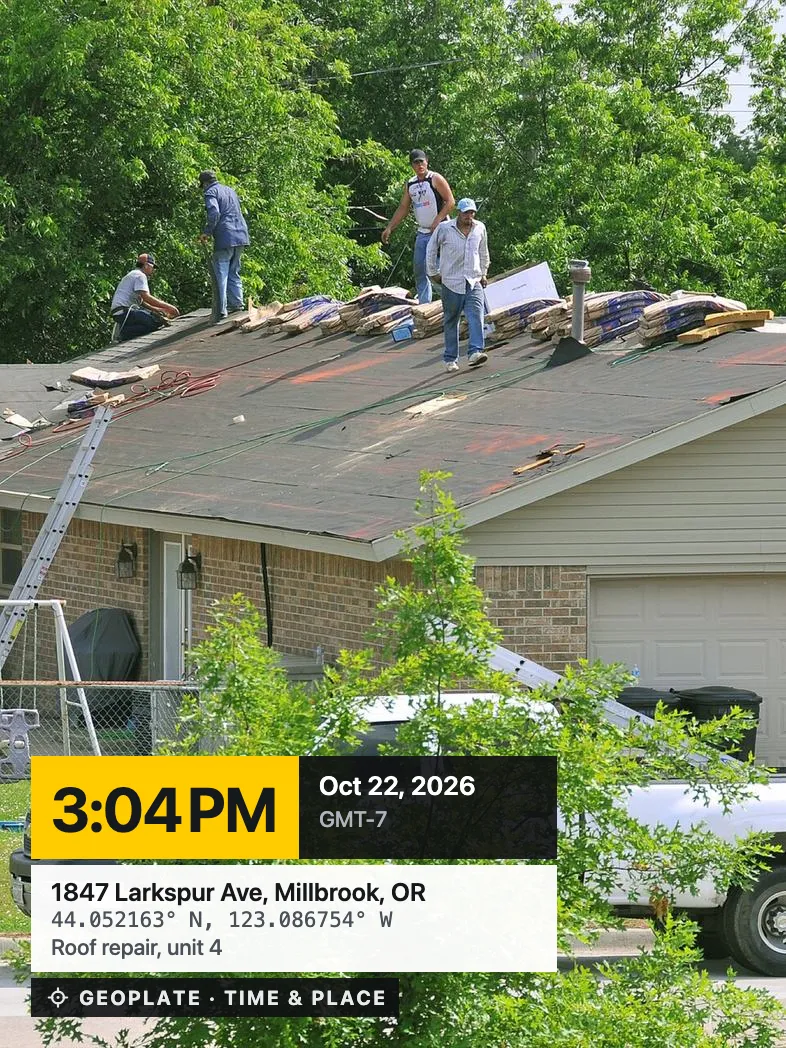
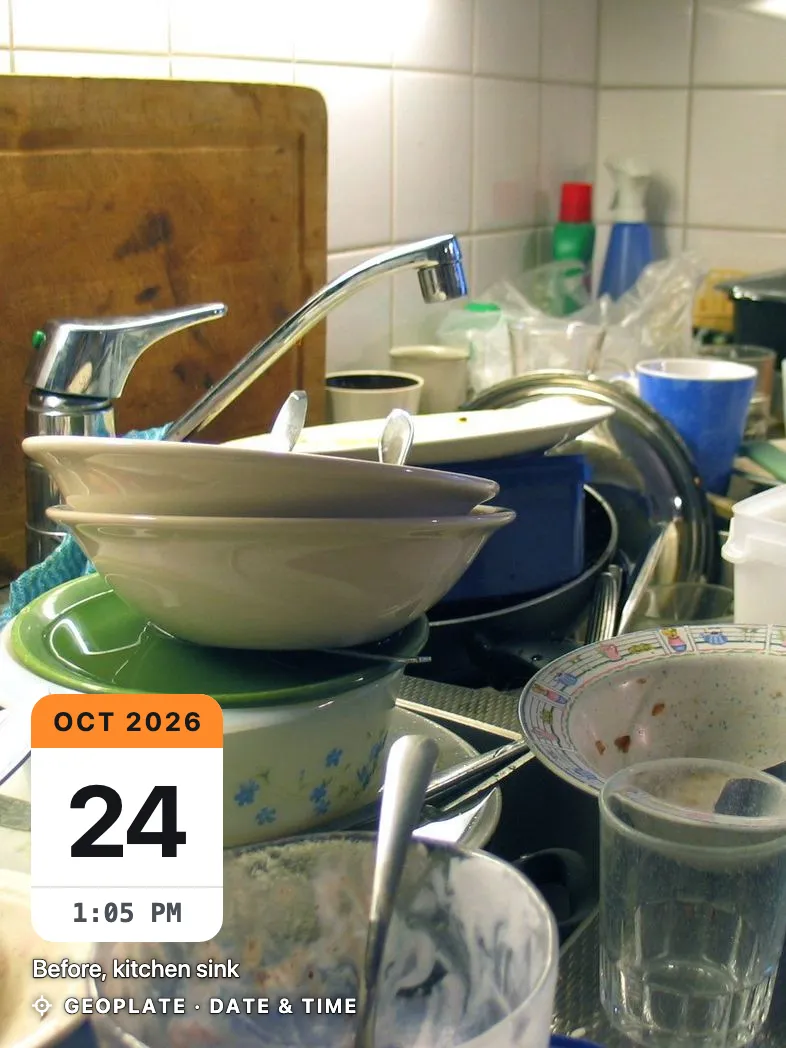
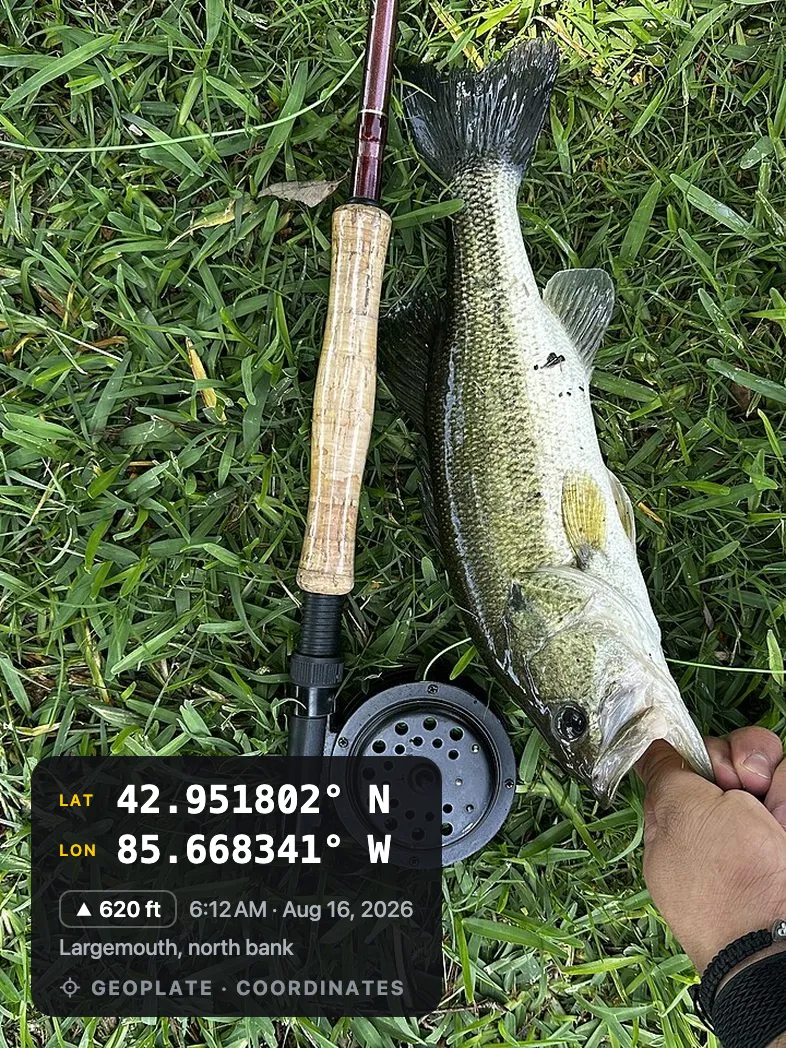
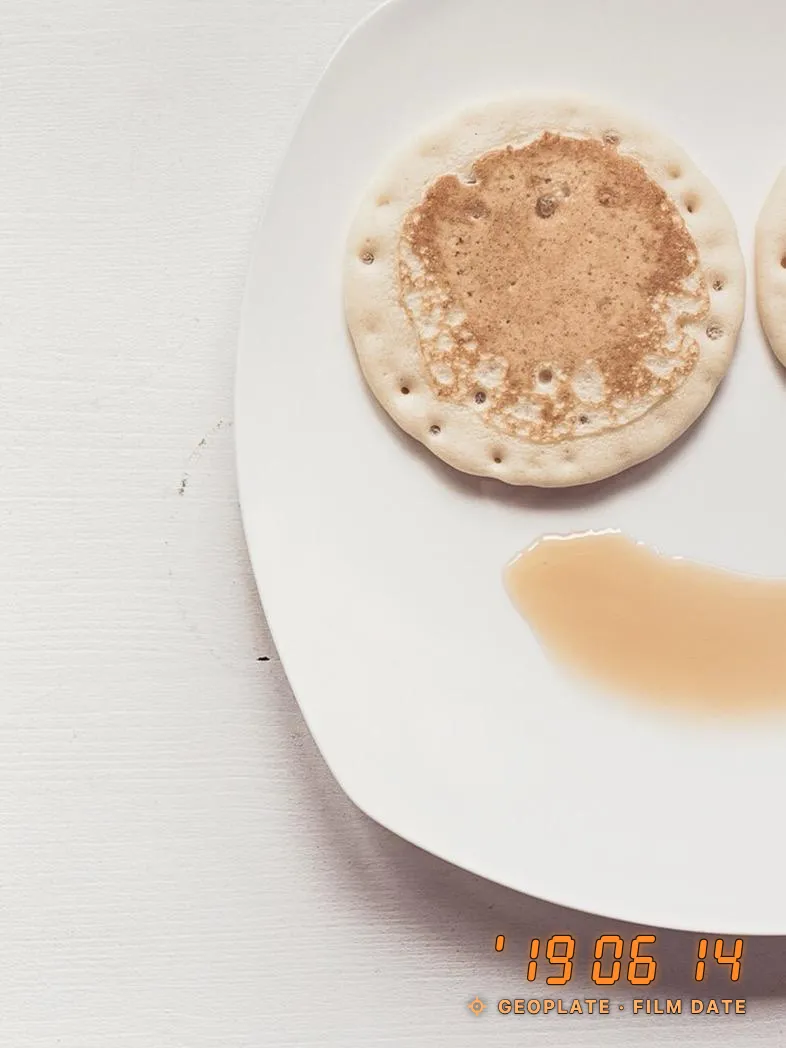
These five are basic
The pictures here show five basic stamps, the same ones you can try in our free web tool. The app has the rest: labels like Clock in, Job done, Delivered, Move-in, plus a mini map, logo and your own lines.
Who uses it
Questions
Are all templates free?
Yes, every template can be used in the free version. Geoplate Pro removes the limit on saves to Photos and the Geoplate name on the stamp.
Can I add my company logo?
Yes. Turn on the Logo field and pick a picture from your library.
Can I add my own text?
Yes. Add a title, a note and your own lines with a label and text, like Job #, Crew or Order.
Can I move the stamp?
Yes. Pick one of six positions, or drag the stamp and pinch it to resize. Five colors are available.