
Timestamp video app for iPhone
Geoplate records video with the same stamp as your photos: date, time, address and coordinates printed on the picture. The time on the stamp keeps running while you record, so every second of the clip shows when it happened.
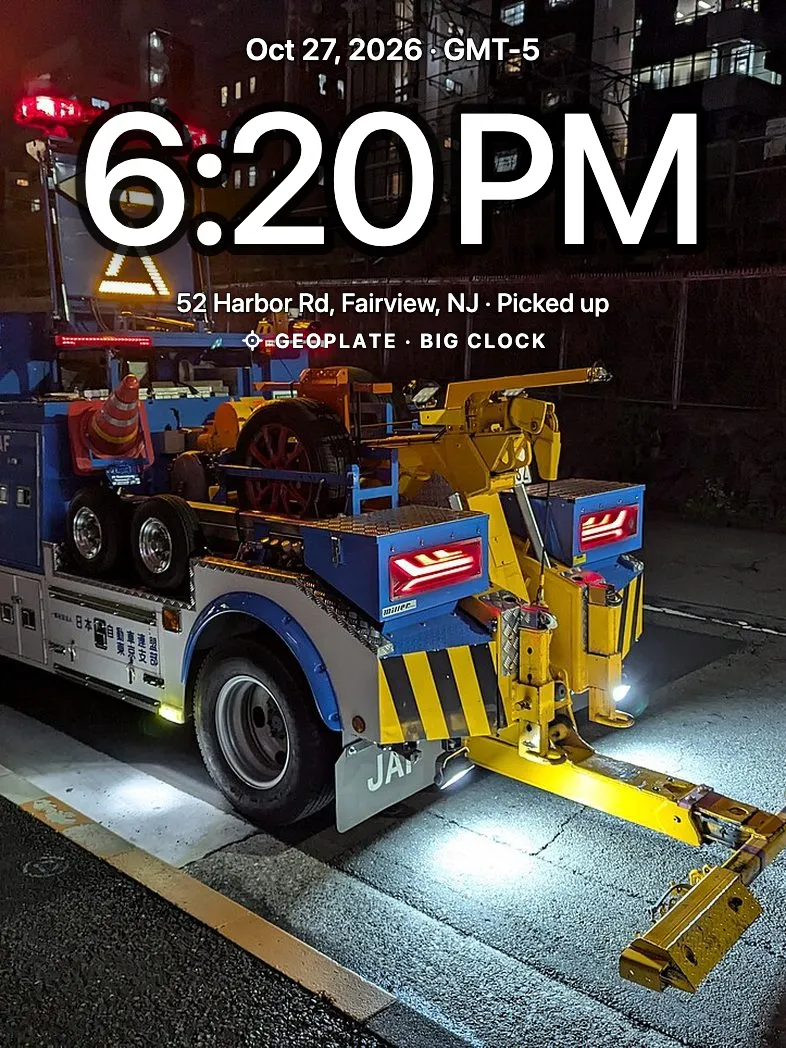
When a photo is not enough
A walkthrough of an apartment, a machine that makes a noise, a leak that drips: some things only make sense on video.
A video with the date and place burned in can't be confused with another day or another site.
How it works
Switch to Video
Switch the camera from Photo to Video, or open it in video mode from Control Center.
Record
The stamp runs live on the screen. Sound is recorded if you allow the microphone.
Keep or save
The clip stays in the app. Save it to Photos when you're ready.
Good to know
- Clips up to 10 minutes each
- Same templates, fields and colors as photos
- No microphone access? The video records without sound
- A call or leaving the app keeps the video up to that point
- The app warns you when storage is low
Who uses it
Questions
Does the time on the video keep running?
Yes. The clock on the stamp updates while you record, so each moment of the clip shows its own time.
How long can a video be?
Up to 10 minutes per clip. Record another clip to keep going.
Can I record without sound?
Yes. If you don't allow the microphone, videos are recorded without sound. Photos never need the microphone.
Can I put a timestamp on a video I already recorded?
No. Geoplate stamps video while you record it. For photos you already took, use Old photos.