
Lock Screen camera with a timestamp
Geoplate opens from your Lock Screen, Control Center and Home Screen widgets, so the stamp camera is one tap away. On iOS 18 and later the Lock Screen camera stamps your shots too, even before you unlock your iPhone.
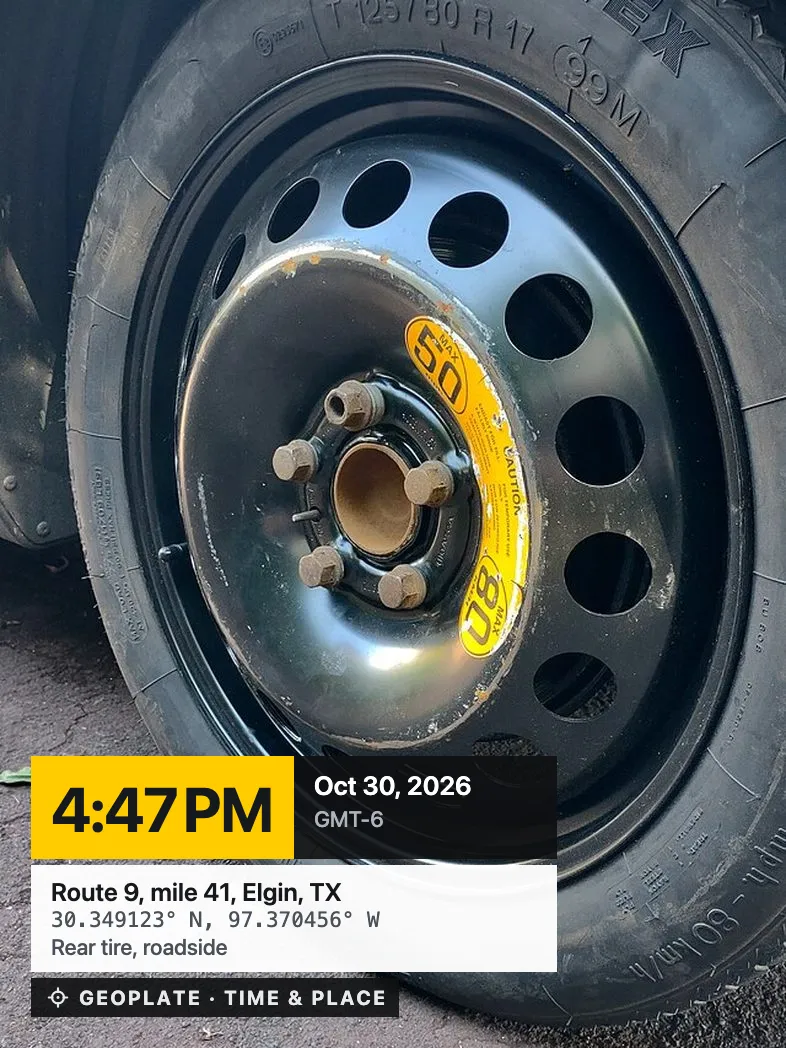
The moment doesn't wait
A package left at the door, a dent you just noticed, a crew leaving the site. By the time you unlock and find the app, the moment is gone.
Put Geoplate where the iPhone camera is: on the Lock Screen and in Control Center.
Where to put it
Lock Screen and Control Center
On iOS 18 and later, add Stamp Camera or Stamp Video as a control. It opens the camera with your stamp.
Home Screen widgets
Camera opens the stamp camera. Camera in Project shoots straight into a project you choose. Latest Project shows your newest shots.
Lock Screen widgets
A small camera button or a project camera next to the clock.
Good to know
- Lock Screen camera and Control Center buttons need iOS 18 or later
- Widgets work on iOS 17
- Shots taken while locked appear in the app after you unlock
- No location on the Lock Screen? Add the place later in the app
Who uses it
Questions
Can I take stamped photos without unlocking my iPhone?
Yes, on iOS 18 and later. Add the Stamp Camera control to your Lock Screen. Shots appear in the app after you unlock.
Which widgets are there?
Camera, Camera in Project and Latest Project on the Home Screen, plus small camera widgets for the Lock Screen.
Can I open the camera in video mode?
Yes. The Stamp Video control opens the camera in video mode.