
Best timestamp camera apps for iPhone (2026)
For one person or a small crew, our pick is Geoplate (we make it): live date, address and mini map, 250+ templates, video and old photos in batches, no ads. Timemark suits companies that want cloud uploads, Timestamp Camera Basic is a low one-time upgrade, and DateStamper is best for photos you already took.
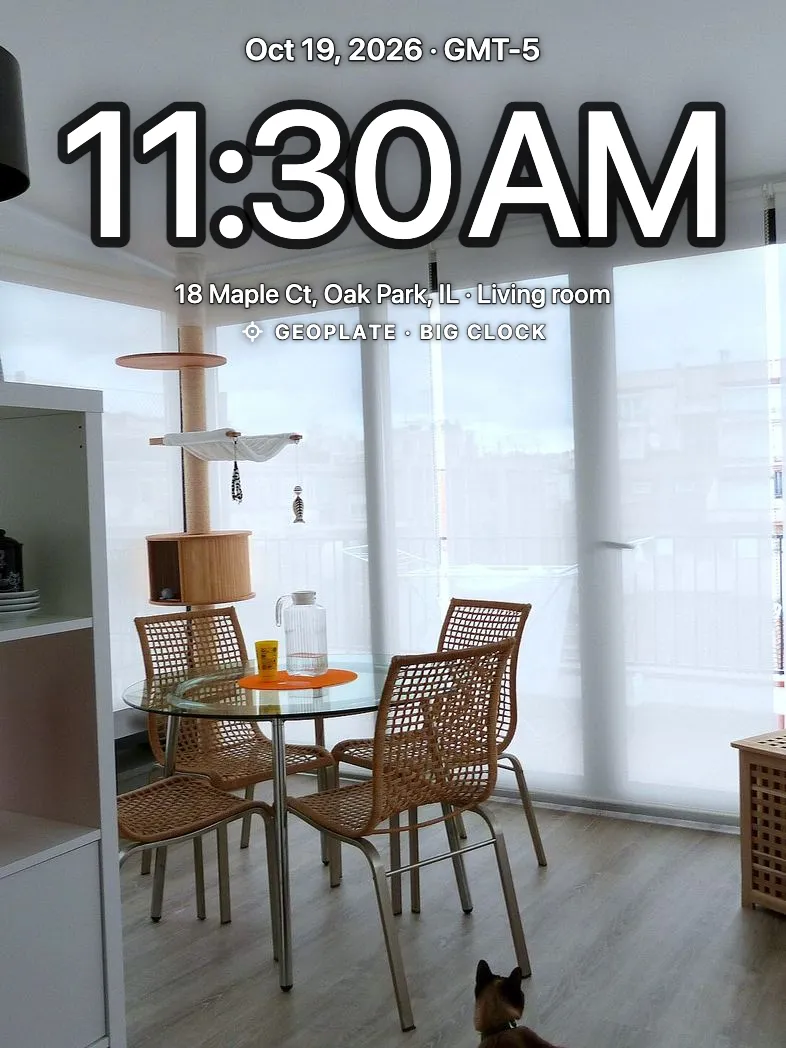
Quick answer
- Geoplate: for one person or a small crew who want the date, address and a mini map on photos and videos, plus old photos in batches. No ads. We make it.
- Timemark: Photo Proof for Work: for companies that want team features and cloud uploads.
- Timestamp Camera Basic: the long-running budget pick, with one $4.99 upgrade.
- GPS Map Camera: Geo-Timestamp: if you want weather on the stamp.
- Solocator: survey-style data such as bearing, tilt and UTM, for field work.
- DateStamper: not a work camera; the best fit for dating photos already in your library.
How we compared
We read each app's US App Store page on November 8, 2026: the description, the in-app purchase list, the Contains Ads label and the release notes. Prices are US prices from that day. They change, and the App Store shows the current price before you pay.
We make Geoplate, so for Geoplate we describe what version 1.0 does, checked against the app itself. We haven't shot the other apps side by side on one iPhone yet. Where a page doesn't mention a feature, the table says "not listed", which doesn't mean the app lacks it.
Side by side
| App | Date and time | Address | Map on the photo | Video | Old photos | Ads | Price (US) |
|---|---|---|---|---|---|---|---|
| Geoplate | Yes, with time zone | Yes | Yes, standard or satellite | Yes, up to 10 min | Yes, in batches | No | Free download; Pro as a subscription or one-time purchase, price shown in the App Store |
| Timemark | Yes | Yes | Not listed | Not listed | Not listed | Yes | Free; Unlimited Access monthly $4.99, Pro yearly $10.00, Plus Plan $49.99 |
| Timestamp Camera Basic | Yes, 81 formats | Yes | Yes | Yes, up to 4K | Not listed | Yes | Free; Pro $4.99 one-time |
| GPS Map Camera: Geo-Timestamp | Yes | Yes | Yes, four map types | In release notes | Not listed | Yes | Free; five purchases from $2.99 (remove ads) to $19.99, 1 year $9.99 |
| Solocator | Yes, local and UTC | Yes, with Industry Pack | Not listed | Not listed | Not listed | No label | $0.99; Industry Pack $5.99 one-time |
| DateStamper | Yes, from the photo | Yes | Not listed | Not listed | Yes, its main job; free up to 10 per batch | No | Free; Unlimited Batch $9.99, Premium Styles $4.99 |
| App | Heading and altitude | Coordinates | Logo | Offline | Extras |
|---|---|---|---|---|---|
| Geoplate | Both, plus speed and accuracy | Decimal, DDM, DMS, UTM, MGRS | Yes | Date, time and coordinates; address needs a connection | 250+ templates, day counter, Lock Screen camera on iOS 18 |
| Timemark | Not listed | Yes | Yes | Yes, uploads later | Team features, Google Earth export |
| Timestamp Camera Basic | Both, plus speed | Not listed | Yes | Not listed | Video pause and resume into one file |
| GPS Map Camera: Geo-Timestamp | Both | DMS, decimal | Yes | Not listed | Weather: temperature, wind, humidity, pressure |
| Solocator | Both, plus tilt and roll | Several, UTM and MGRS with Industry Pack | With Industry Pack | User reviews say yes | Field notes, photo map view |
| DateStamper | Not listed | Yes, including MGRS | Not listed | Not listed | Works inside the Photos app, captions |
Geoplate: for one person or a small crew
Geoplate prints the date, time, time zone, address, coordinates and a mini map on every photo and video as you shoot. It has 250+ templates in 15 sections, from Film Date to Clock In, Before and After, Delivered and Move-In. Old photos stamps whole batches with each photo's own date and place. Photos stay on your iPhone, there's no account and no ads. See the timestamp camera.
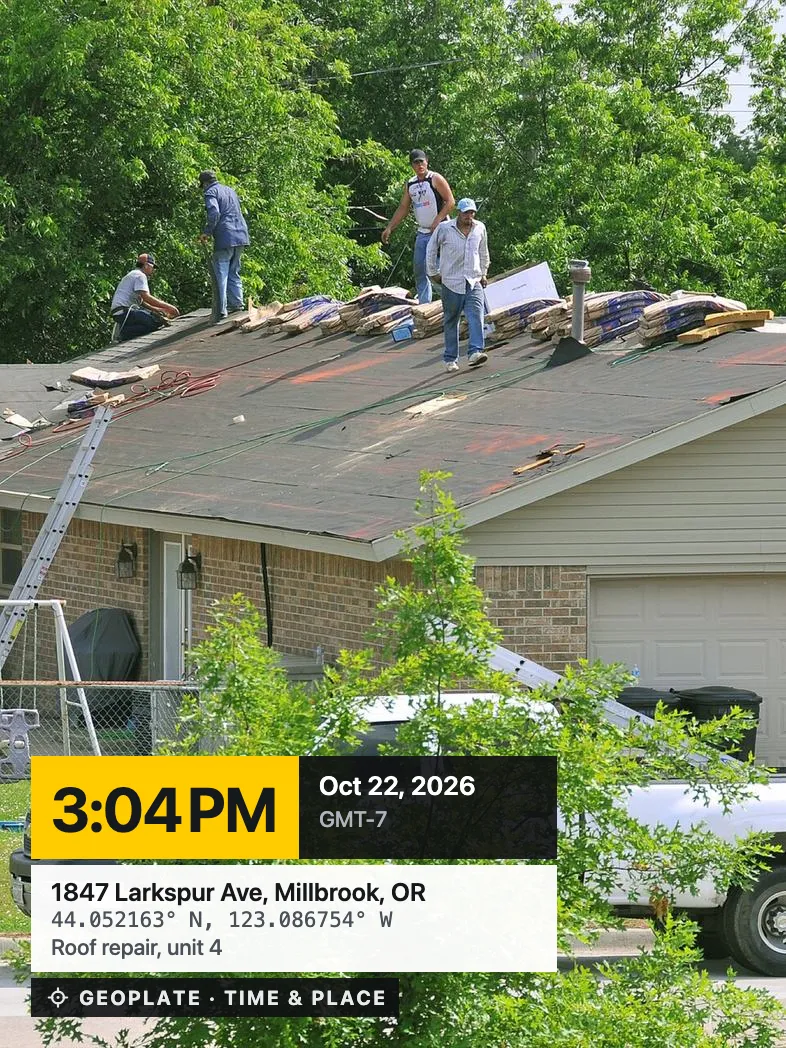
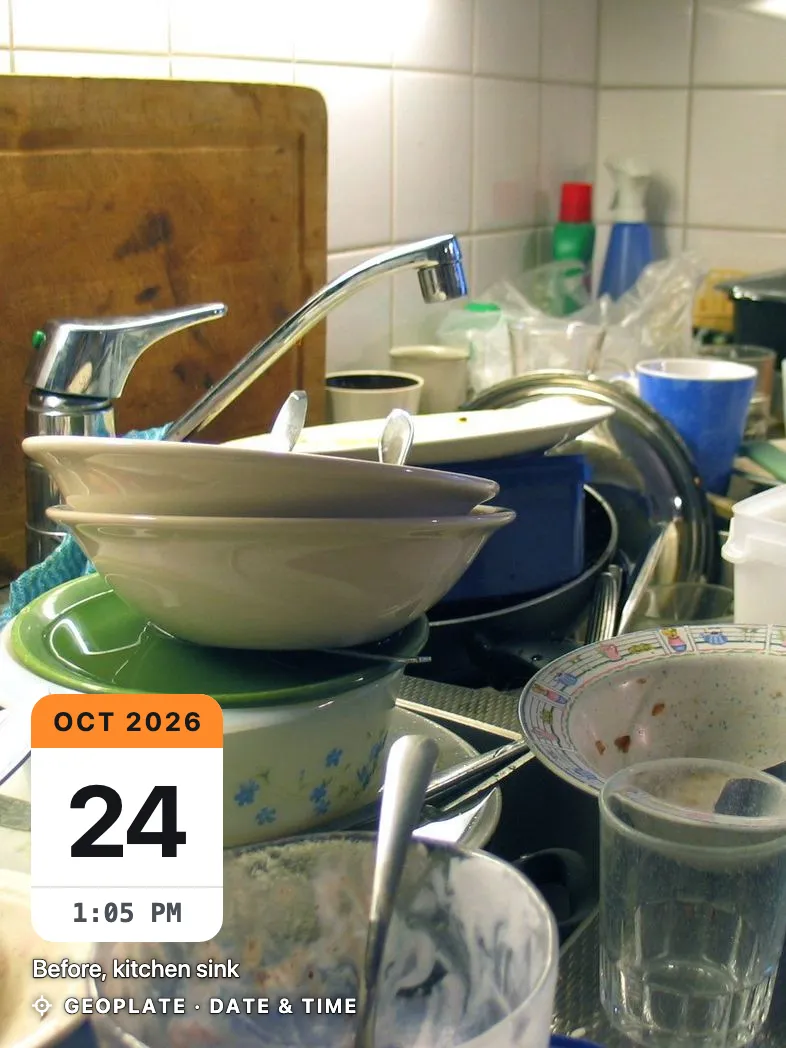
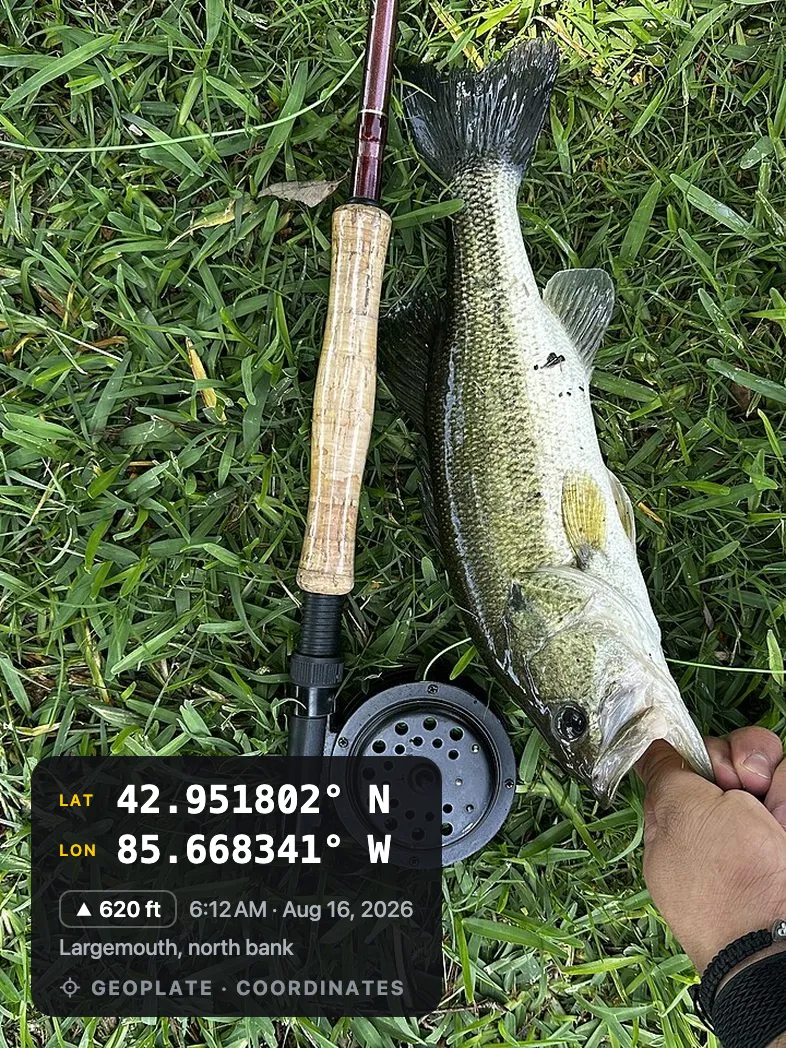
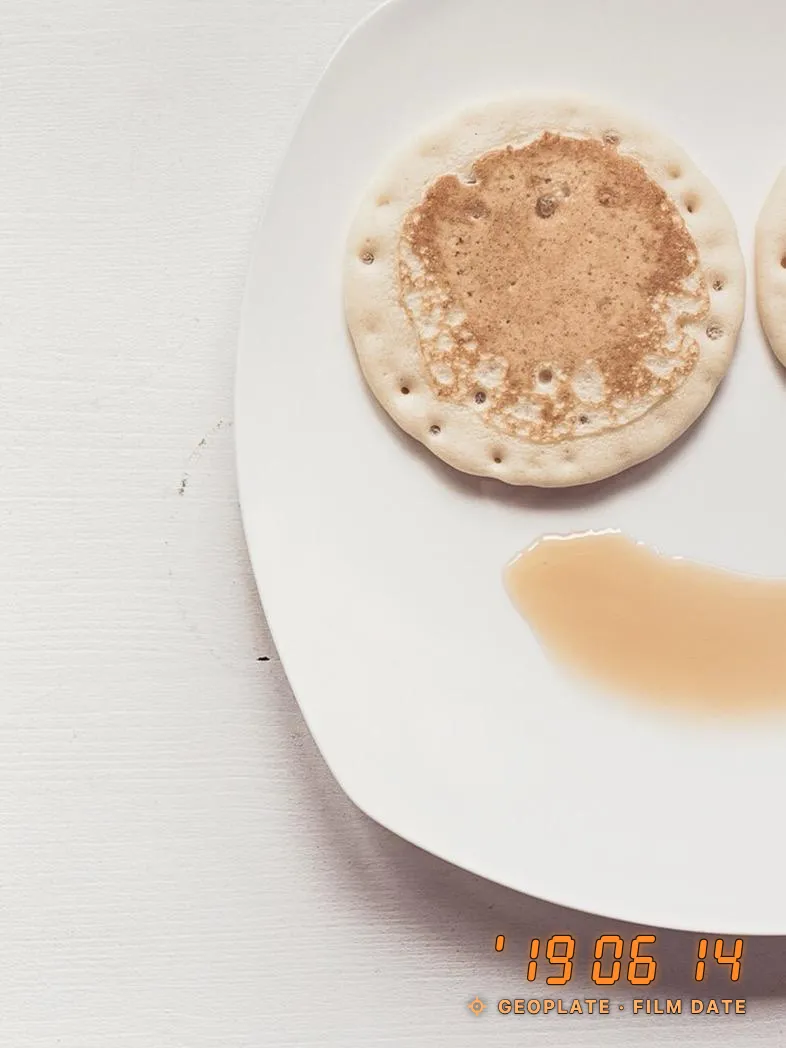
Where it's weaker: no shared team space, no cloud and no PDF reports; photos are shared by saving them to Photos. No weather on the stamp. iPhone only. The time comes from your iPhone's clock. The free version saves a limited number of photos and shows the Geoplate name on the stamp.
Timemark: for teams and companies
Per its page, Timemark adds the address and coordinates, says its timestamps are checked against network time, adds a logo, works offline and uploads later, and exports to Google Earth. It's built around companies and teams. Purchases: Unlimited Access monthly $4.99, Timemark Pro yearly $10.00, Plus Plan $49.99 (US, November 8, 2026).
Where it's less of a fit: if you work alone and don't want an account or a cloud, it's more than you need. The page shows the Contains Ads label.
Timestamp Camera Basic: the budget classic
Timestamp Camera Basic has been around since 2014. Its page lists 81 time formats, the address, a map, compass, altitude and speed, a logo, and video up to 4K that you can pause and resume into one file. One purchase, Pro for $4.99 (US, November 8, 2026).
Where it's weaker: the page shows the Contains Ads label, and stamping photos you already took isn't listed.
GPS Map Camera: Geo-Timestamp: if you want weather
GPS Map Camera: Geo-Timestamp stands out with weather on the stamp: temperature, wind, humidity and pressure. It also lists four map types, DMS or decimal coordinates, compass, altitude and a logo.
Where it's weaker: the page shows the Contains Ads label, and the five purchases (from $2.99 to remove ads to $19.99, US, November 8, 2026) take some reading to tell apart.
Solocator: survey-style field data
Solocator costs $0.99 up front and stamps coordinates, bearing, altitude, tilt and roll, and local and UTC time. The Industry Pack ($5.99 one-time, US, November 8, 2026) adds the street address, UTM and MGRS, field notes and a logo.
Where it's weaker: a map on the photo and video aren't listed, and the address needs the extra purchase.
DateStamper: for photos you already took
DateStamper is built around your library. It stamps existing photos, even from inside the Photos app, with the date taken or a date you choose, plus the place, coordinates and captions. Free batches go up to 10 photos; Unlimited Batch is $9.99 and Premium Styles $4.99 (US, November 8, 2026). No ads.
Where it's weaker as a work camera: it has a camera, but its strength is the library. Video isn't listed.
How to choose
- You work alone or in a small crew and want photos to stay on your phone: Geoplate.
- A company with many people and shared folders: Timemark.
- Weather on the stamp: GPS Map Camera: Geo-Timestamp.
- Bearing, tilt and survey coordinates: Solocator.
- Only old photos: DateStamper, or Geoplate's Old photos if you also want a camera.
- The smallest one-time price: Timestamp Camera Basic.
What to check before you pay
- Can you try the exact stamp you need in the free version?
- Is there a limit on saves, or a watermark, in the free version?
- Does the page show the Contains Ads label?
- Subscription or one-time purchase?
- Can you correct the address when GPS gets it wrong?
- Does it stamp photos you already took?
- What works with no signal?
New to stamps? Start with how to add a timestamp to photos on iPhone or the date stamp camera guide.
Where to go next
Questions
What is the best free timestamp camera app for iPhone?
It depends on what free means to you. Five of the six apps here are free to download. Some free versions show ads, some limit saves or batches. Geoplate's free version has no ads and every template, with a limited number of saves to Photos.
Is there a timestamp camera without ads?
On the pages we checked on November 8, 2026, Geoplate, DateStamper and Solocator had no Contains Ads label.
Which app stamps photos I already took?
Geoplate, with Old photos in batches, and DateStamper, which is built for that job.
Which timestamp apps record video?
Geoplate records clips up to 10 minutes with a running clock. Timestamp Camera Basic lists video up to 4K. GPS Map Camera mentions video stamps in its release notes.
Why trust a list written by an app maker?
We say up front that we make Geoplate, we list where other apps do more, and every price has the date we checked it.